Outsourced IT support sounds vague until you see what it covers. Every provider is a little different, but a good plan usually includes the following. Use this as a checklist when you compare providers, or when you check what you already pay for.
A helpdesk your team can reach
When someone cannot print, log in or open a file, they know who to message, and they get an answer quickly. Fast, friendly answers to small problems are what keep a team working.
Looking after devices
Laptops and desktops are set up the same way, kept updated and protected, and replaced before they fail. New staff get working computers on day one, and leavers have their access removed the same day.
Network and Wi-Fi care
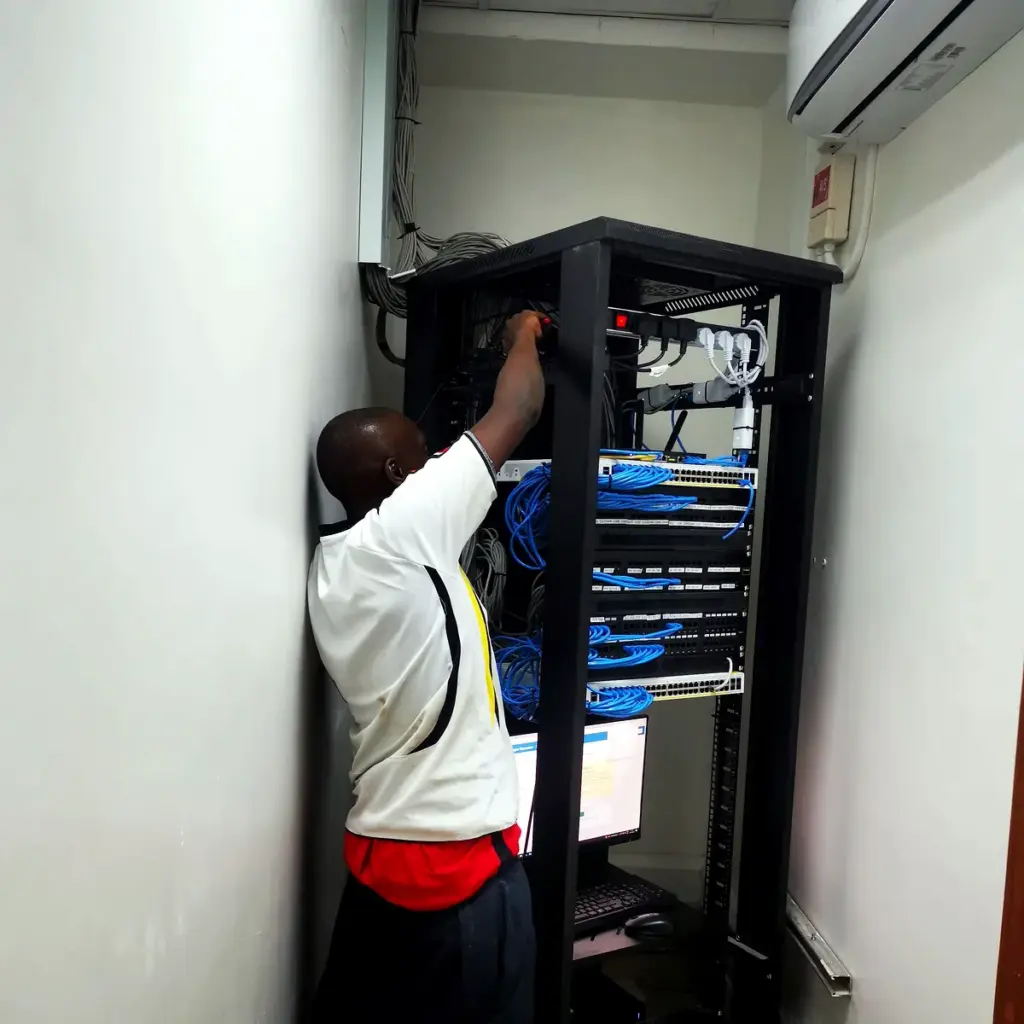
Someone watches the office network, fixes slow spots and keeps it secure. Wi-Fi that drops in the meeting room is a fault with a cause, and a good provider finds it.
Email and accounts
Company email, shared files and user accounts are managed in one place, so people are added and removed properly. This also protects you from the common problem of old accounts that nobody remembers.
Backups and security
Important data is copied somewhere safe and the copies are tested. Threats such as phishing and weak passwords are handled, not ignored. A backup that has never been restored is only a hope, so ask when the last test was.
Power cuts and internet backup
In Kampala and beyond, a power cut or a dropped line can stop a whole office. A good provider helps you plan for it: a UPS for the router and key computers, a second internet line or a mobile data backup, and files saved so work can carry on when the power returns.
Advice and planning
A good partner also tells you what to buy, what to avoid and what to budget for next year. They should be willing to say no to a purchase you do not need.
What is often not covered
Read the small print. New hardware, large projects, on-site visits outside agreed hours and specialist software may be charged separately. None of that is wrong, but it should be written down, so a bill never surprises you.
How to tell it is working
You should notice fewer interruptions, faster fixes and no surprises. You should receive a short report on what was done, and a conversation about risks before they become emergencies.
If you are not sure what your company has covered today, we can review it with you and list the gaps.